Wispr Flow vs Gboard voice typing


Gboard voice typing
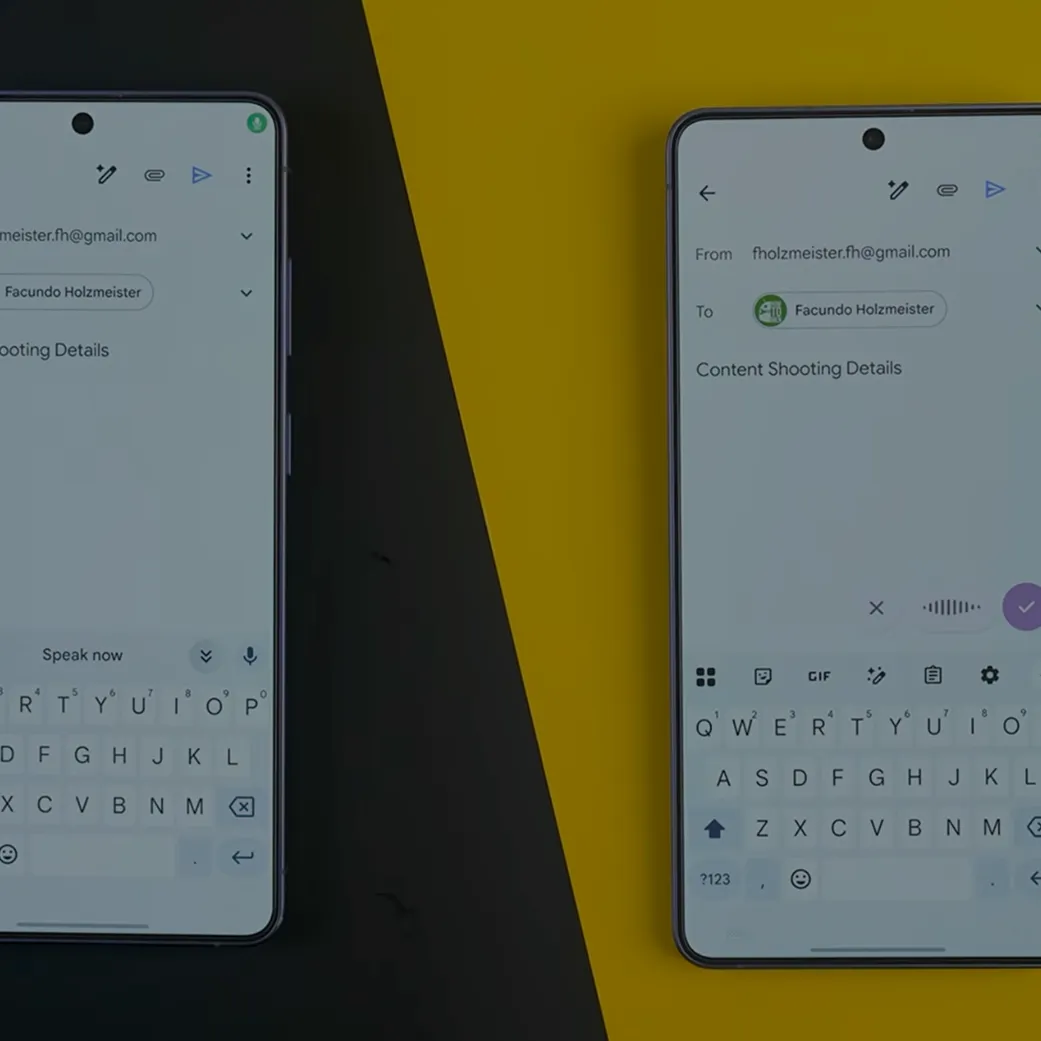
“Wispr Flow did a much better job turning my rant into an actual email.”
We could tell you Flow's one of the best dictation apps out there, or you could hear it from someone else. HowToMen put Flow on their list of the best Android apps, period. Watch why.
.png)
Wispr Flow vs Gboard voice typing: the comparison table
Gboard voice typing
Cleaned sentences with punctuation on Mac, Windows, iPhone, and Android; filler words and false starts removed
Word for word with spoken punctuation on most phones; automatic punctuation from Pixel 6; filler-word cleanup on Pixel 11
Dictionary improves recognition of names and jargon, syncs across all four platforms; team plans share one dictionary
Personal dictionary documented for typing only; Pixel 6 and newer learn from words you correct
Flow is Free, with paid plans available for teams and enterprises.
Free on Android and iOS, no paid tier, no cap
No; needs an internet connection on every platform
Yes on Pixel 6 and newer after a one-time Wi-Fi download; not documented for other phones
Download, sign in, grant microphone (plus accessibility on Mac and Android), pick a hotkey; about five minutes
Already the default keyboard on some Android phones; tap the mic; Pixel features download over Wi-Fi first
Improvement setting pre-selected at sign-up, can be turned off; transcripts stored on the device; cloud storage optional
Account audio activity off until turned on; on-device learning on by default, sends no spoken text
100+ languages, including regional variants; Flow detects which one you are speaking
No published list for standard mode; six languages on Pixel 6 advanced typing; 11 on Pixel 11 Rambler
Mac (macOS 12 and newer), Windows 10 and 11, iPhone (iOS 18.3 and newer), Android 13 to 16
Android 7.0 and newer, Wear OS watches, and an iOS app last updated May 2, 2022; no Mac or Windows
Hold a key and release on Mac and Windows; tap the Flow Bubble on Android; keyboard mic on iPhone
Tap the keyboard mic on any phone; Pixel 6 and newer keep listening until you say "Stop"
Fixes self-corrections as you speak on every platform; edits selected text by voice on Mac and Windows, paid plans
"Delete last word" and "Undo" from Pixel 6; "Change blue to green" from Pixel 8; undocumented on other phones
Gboard rows come from Google's Gboard, Pixel, and Play Store help and privacy pages, read September 11, 2026; Google's help pages carry no publication date. Wispr Flow rows come from the Wispr Flow help center, read the same day.
How they actually compare
The table gives you the checklist. Below is what each one actually sounds like in practice — real messages, where Flow pulls ahead, and who each tool is really built for.
What actually comes out when you stop talking
Google's best dictation is a phone feature, not a product. Take one message, said the way people talk:
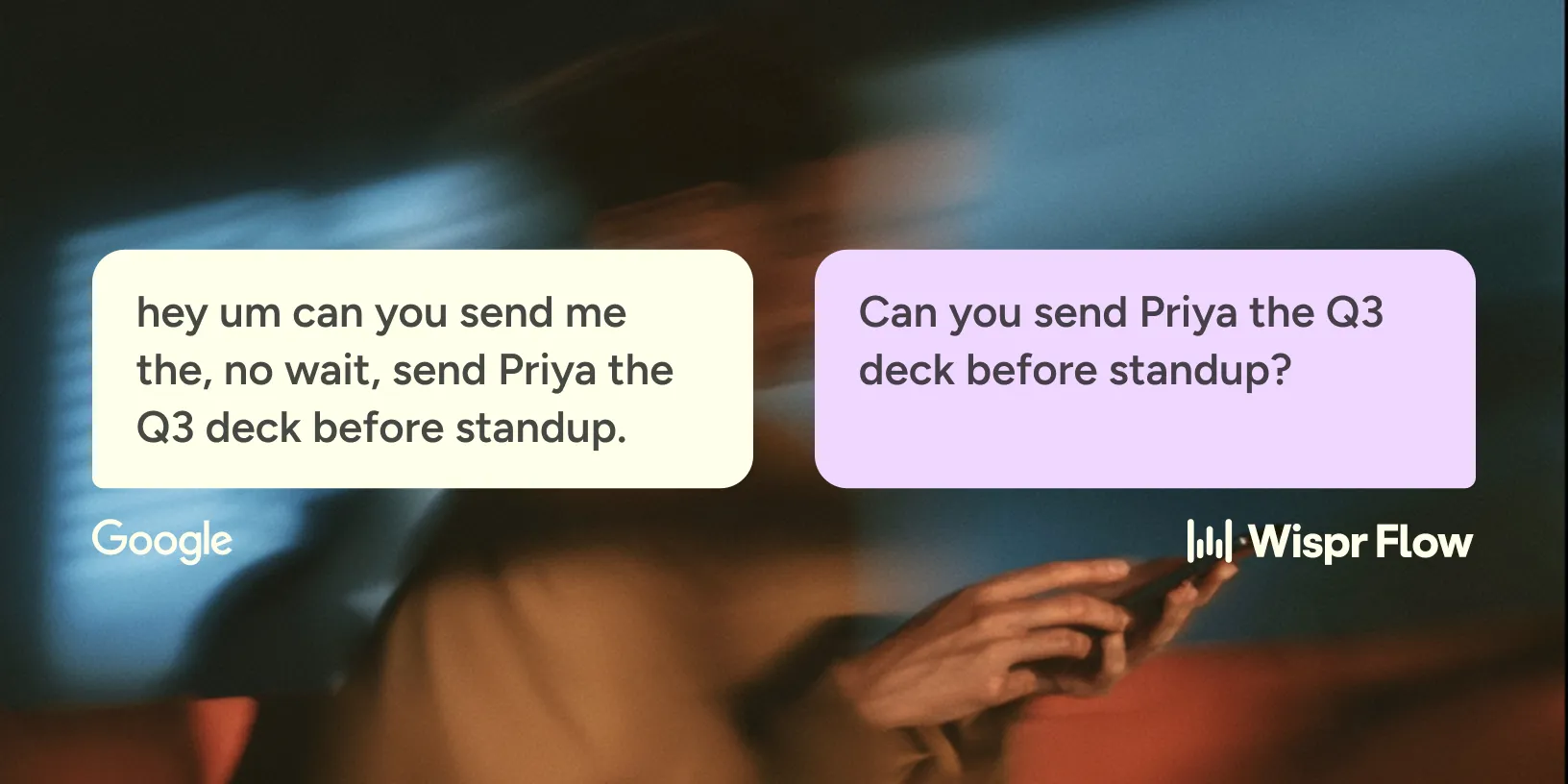

On a Samsung, a OnePlus, or any Android phone without the Pixel features, Gboard writes that down as spoken. Google's own Rambler page calls standard mode "traditional voice typing that transcribes word-for-word," and punctuation arrives only when the speaker says "comma" or "period." A Pixel 6 or newer adds the punctuation itself. A Pixel 11 running Rambler also drops the filler and tidies the grammar, with Google's note that "Rambler can make mistakes, so double-check it."

Flow returns the same thing on every device it runs on: "Can you send Priya the Q3 deck before standup?" The "um" and the false start are gone, and the self-correction resolves to what the speaker meant. Mac, Windows, iPhone, and Android all get that result.

Names are the second half. Flow's dictionary takes a name like Priya, or a product term, and improves how it is recognized next time, on all four platforms. Gboard's personal dictionary lives on the phone, and Google documents it for typing rather than voice. A Pixel 6 or newer does learn from words the user corrects.
Flow dictates in 100+ languages, including regional variants, and detects which one is being spoken.
Where Wispr Flow wins
Flow wins on the machines Gboard has no answer for. There is no Gboard for Mac or Windows; Google's desktop dictation lives inside Google Docs or a ChromeOS accessibility setting.
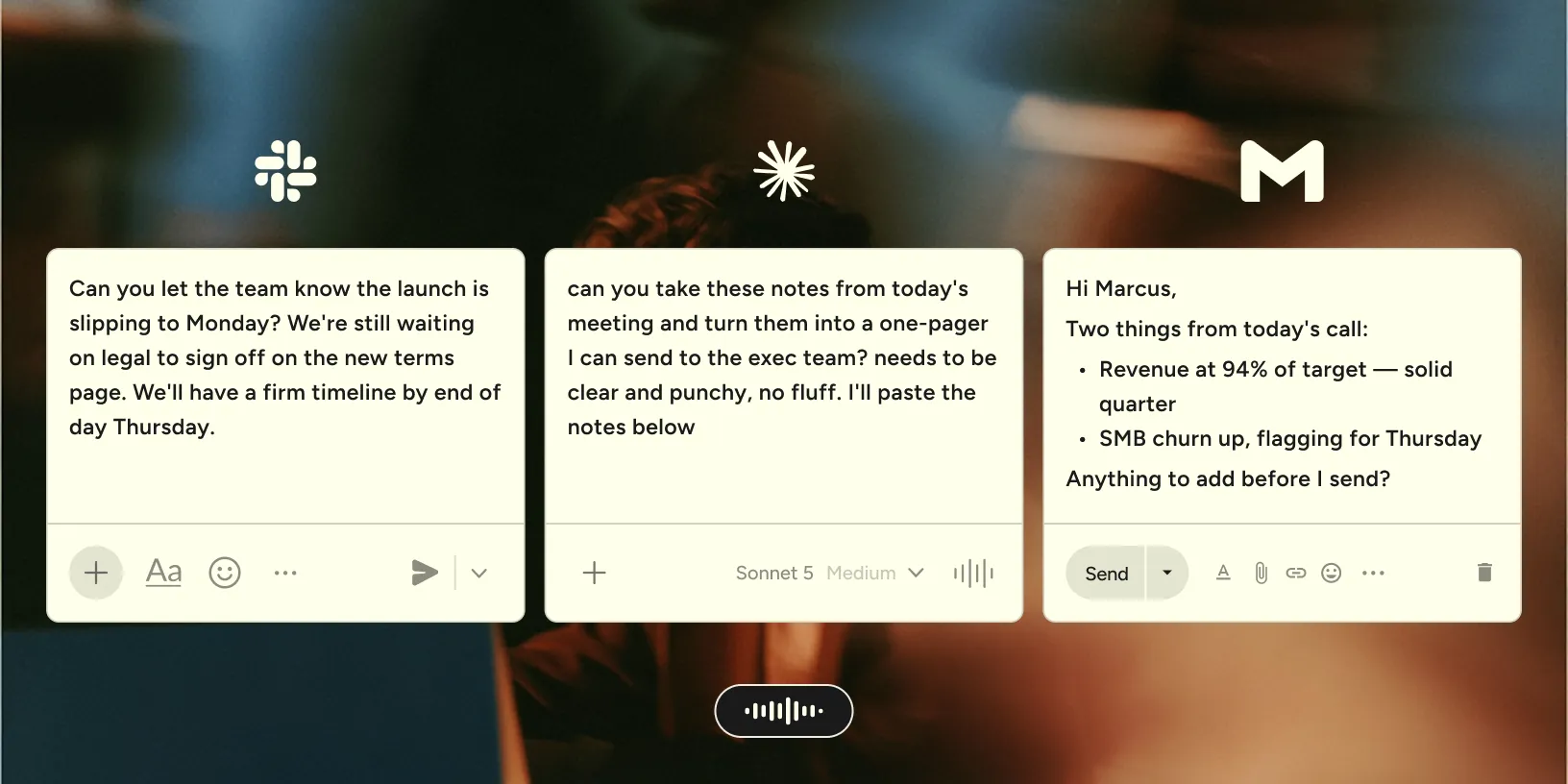
Flow types into Slack, email, a code editor, or a browser tab on Mac and Windows with one held key. It stops when the key is released. The same account carries one dictionary to iPhone and Android, and command mode edits selected text by voice on the desktop on paid plans. None of it is gated to a phone tier. The phone should not decide what the dictation can do.
How to test both in ten minutes
One Android phone with Gboard, Flow installed alongside it, one real message. Steps one and three judge what comes out; two and four judge what happens while speaking.
- Pick a real reply with one hard name in it: a person, a product, or a street. Dictate it into Gboard from the keyboard mic, then into Flow, and compare before touching anything.
- Say it again with a five-second pause in the middle. Note whether each tool kept listening and whether the pause became a period.
- Count the fixes: punctuation added, filler words deleted, and the hard name respelled. Add the name to each tool's dictionary, dictate once more, and count again.
Best for and not best for


Anyone on Android who wants to dictate a text without installing or setting up anything. Pixel owners get the most: on-device recognition, automatic punctuation, and voice commands, plus filler-word cleanup on a Pixel 11.

Anyone writing on a Mac or Windows PC, or whose names need a dictionary that reaches voice. It is a weaker fit on an Android phone without the Pixel features, and the iPhone app was last updated May 2, 2022.
People who write on a laptop and a phone and want the same cleaned sentences, dictionary, and languages on both.
Anyone who needs dictation with no internet connection. Pixel 8 owners who edit by voice after the fact will miss those commands, since command mode stays on the desktop.
You might be wondering.
Questions
On a Pixel 6 or newer, yes: advanced voice typing runs on the phone after a one-time Wi-Fi download. Rambler works offline with reduced features. For standard Gboard voice typing, Google publishes no offline support and says the voice "is sent to Google for transcription." Wispr Flow needs an internet connection on every platform.
Google documents no silence timeout for Gboard voice typing. On a Pixel 6 or newer, the mic listens until the speaker says "Stop," taps the mic, or closes the keyboard. Users on Google's community forums report cut-outs at short pauses on some Samsung phones. Wispr Flow's hands-free mode keeps running until it is stopped.
Gboard's "Add to dictionary" option saves a word on the phone, and Google documents that dictionary for typing rather than voice. Wispr Flow's dictionary takes replacement rules as well as words. A term Flow hears one way always lands the way the speaker spells it.
Yes. Flow is free to download and use on Mac, Windows, iPhone and Android, with a weekly word allowance and no credit card. You only pay if you write past it.
No. Gboard's Play Store listing covers phones, tablets, watches, and TVs, never a Windows or Mac build. Google's desktop dictation is the Tools menu in Docs and Slides in a browser, and a ChromeOS accessibility setting opened with Search plus d. Wispr Flow runs on macOS 12 and newer and on Windows 10 and 11.
Answer
{{FAQ Answer}}
{{FAQ Answer}}
{{FAQ Answer}}
{{FAQ Answer}}
{{FAQ Answer}}
{{FAQ Answer}}
{{FAQ Answer}}
{{FAQ Answer}}
{{FAQ Answer}}
{{FAQ Answer}}
{{FAQ Answer}}
{{FAQ Answer}}
{{FAQ Answer}}

.jpg)